
The Sims
Furniture & Objects may include the following different types of files:
.iff files can be placed in any 1 of 3 objects folders, skin parts for objects need to be put in your gamedata\skins folder just like normal clothing skins
Rarely some objects are cloned from Simday Official objects. If you don't yet have the original Simday object just run the .exe file inside the zip to install it before adding the clone.
This happens because you did not put the skin files in your Skins folder
This issue can also happen with objects that have skin parts so be sure to check the contents of the zip you have downloaded carefully and put all the files in the right place
Usually this happens because other visitors to the lot are using the object. Your Sims will have to wait their turn. This is common with Food stations, Bars and Pet Pens.
Check that you have installed ALL .iff files in the zip, most NPC objects consist of multiple .iff files all of which must be in your game for the object to work
Hotels & Restaurants will not function if you don't have other required object types on the lot (i.e. beds, fridges, sinks etc). These required objects must be accessible to Sims
Objects are the most problematic type of Sims 1 custom content. If your game is crashing or you have issues using custom objects then try the following resources.
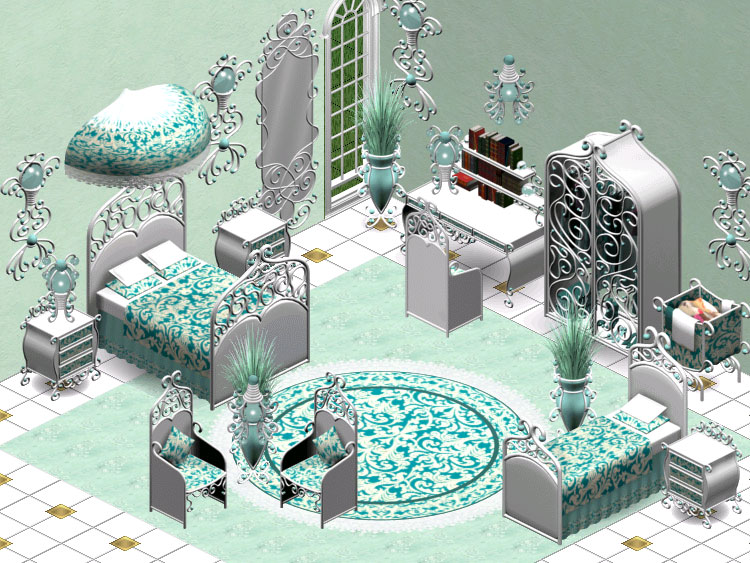
 Visit my StudioCreated by Kate
21/07/11
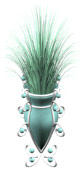
Download the set by clicking on the photo above, or you can download single objects below
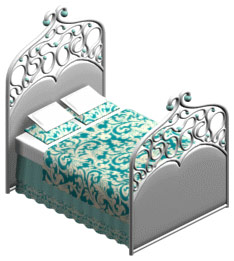 Livin Large
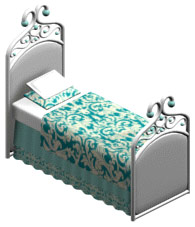 The Sims
 Hot Date
 The Sims
 Hot Date
 The Sims
 Hot Date
 The Sims
 The Sims
 Hot Date
 The Sims
 Hot Date
 The Sims
 Home
Home
